
Online Access Instructions
Register for Online Access
1. Go to our website at www.hcpfcu.coop
2. Click the Login button on the top right of the screen
3. Type in your username and password for internet banking
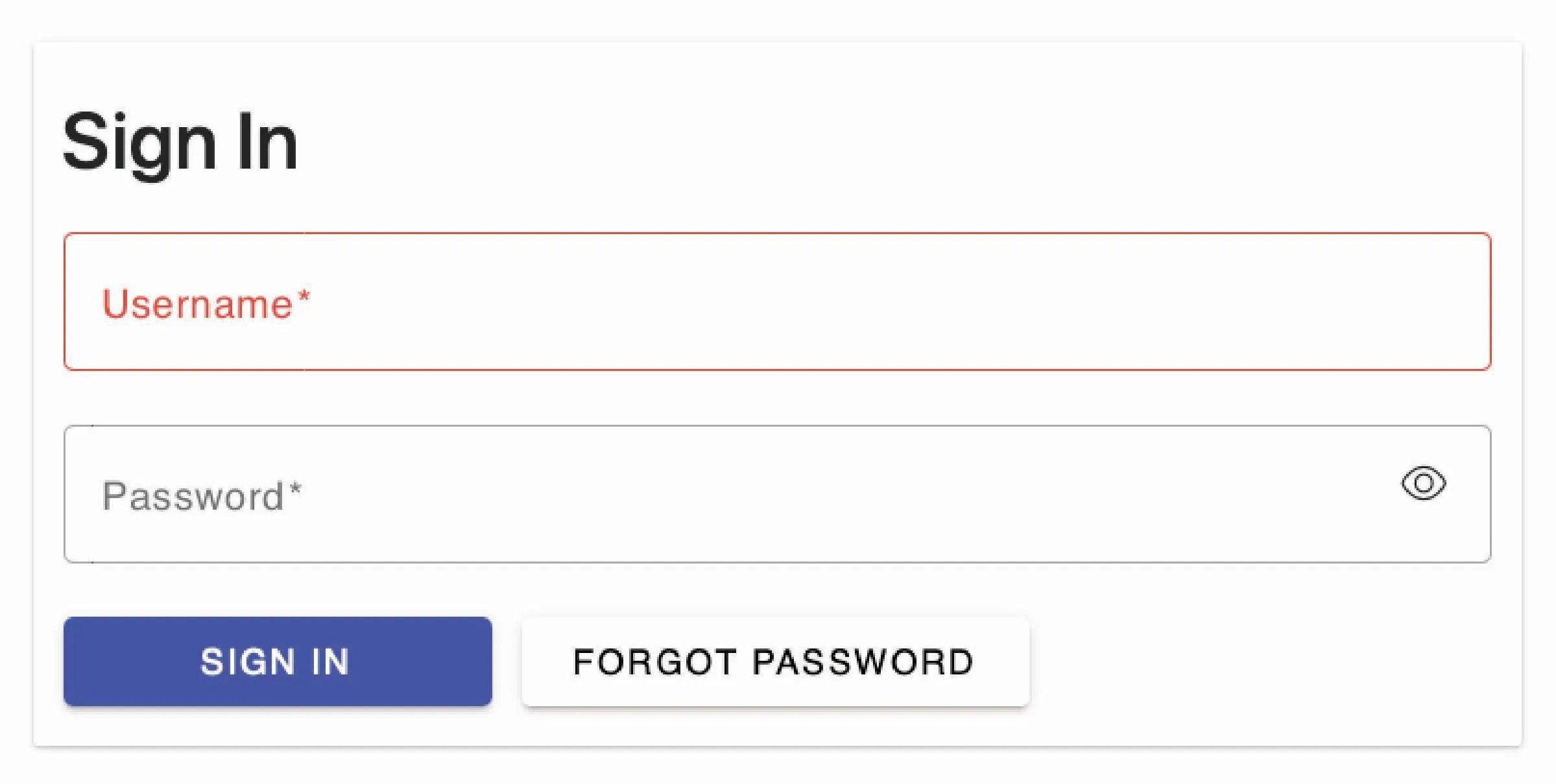
4. Follow the steps to sign in
5. Click on the three lines at the top left of the screen

6. Go under the Services tab and click on Credit Card Online
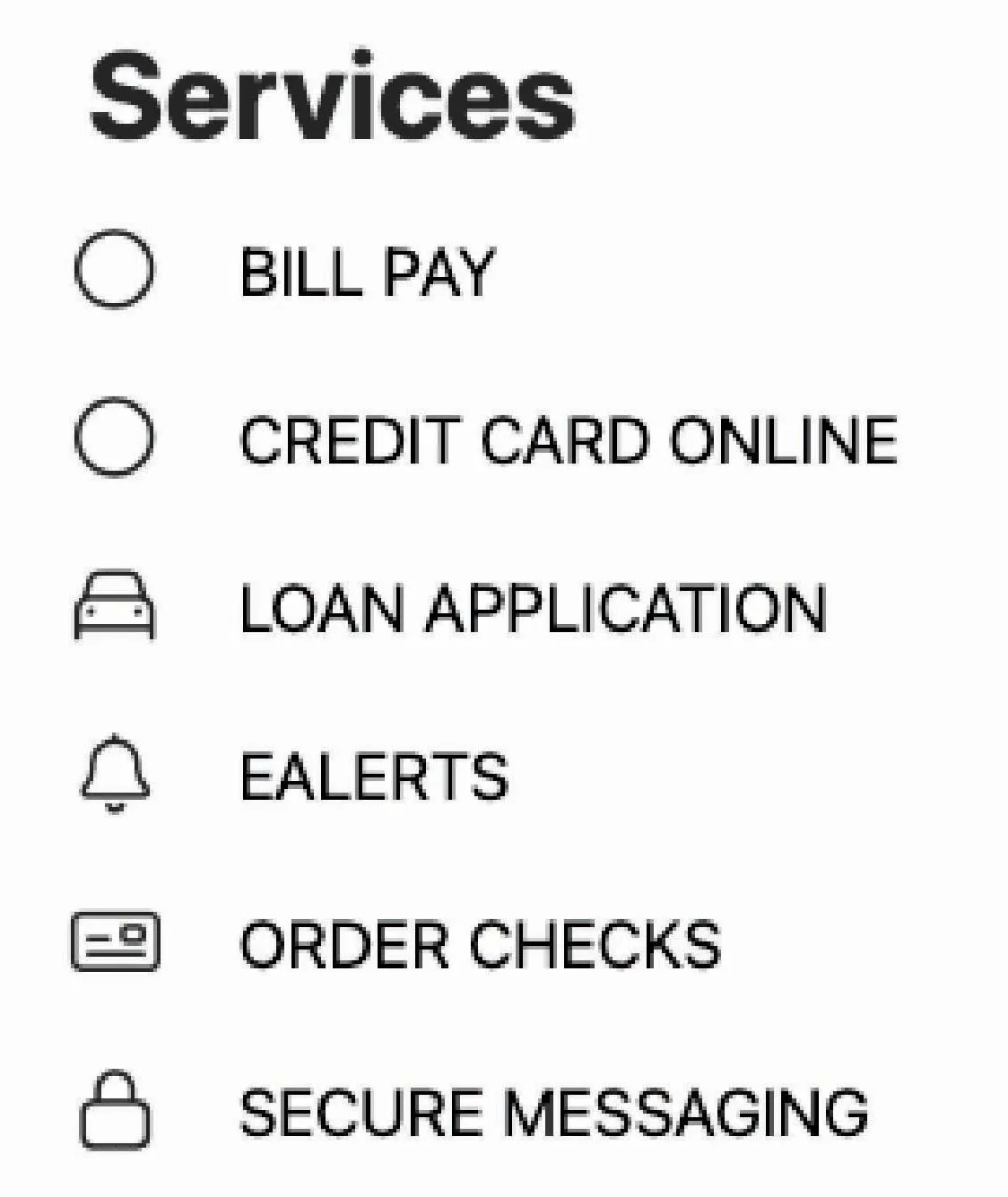
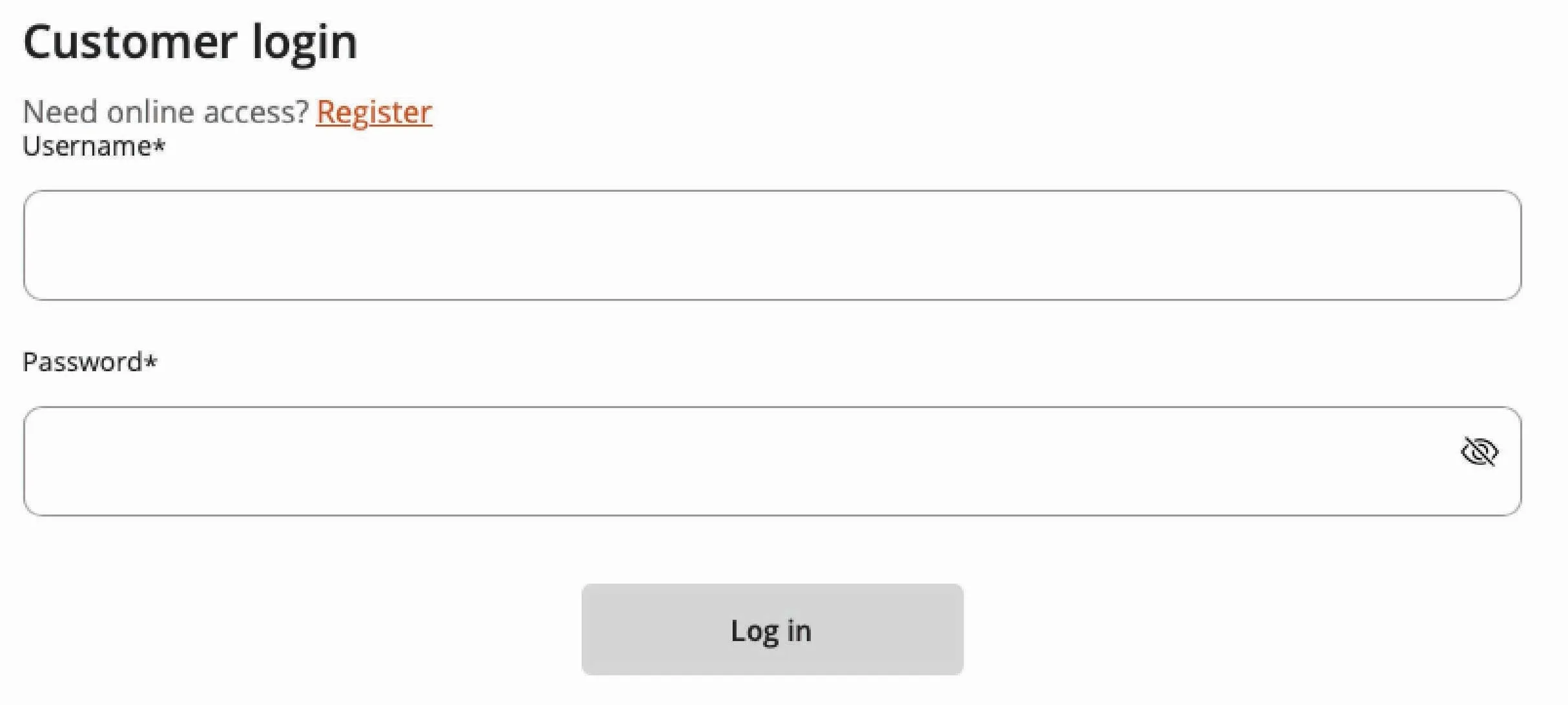
7. Click on Register button to create an account for your new credit card
8. Type in your card number and click continue
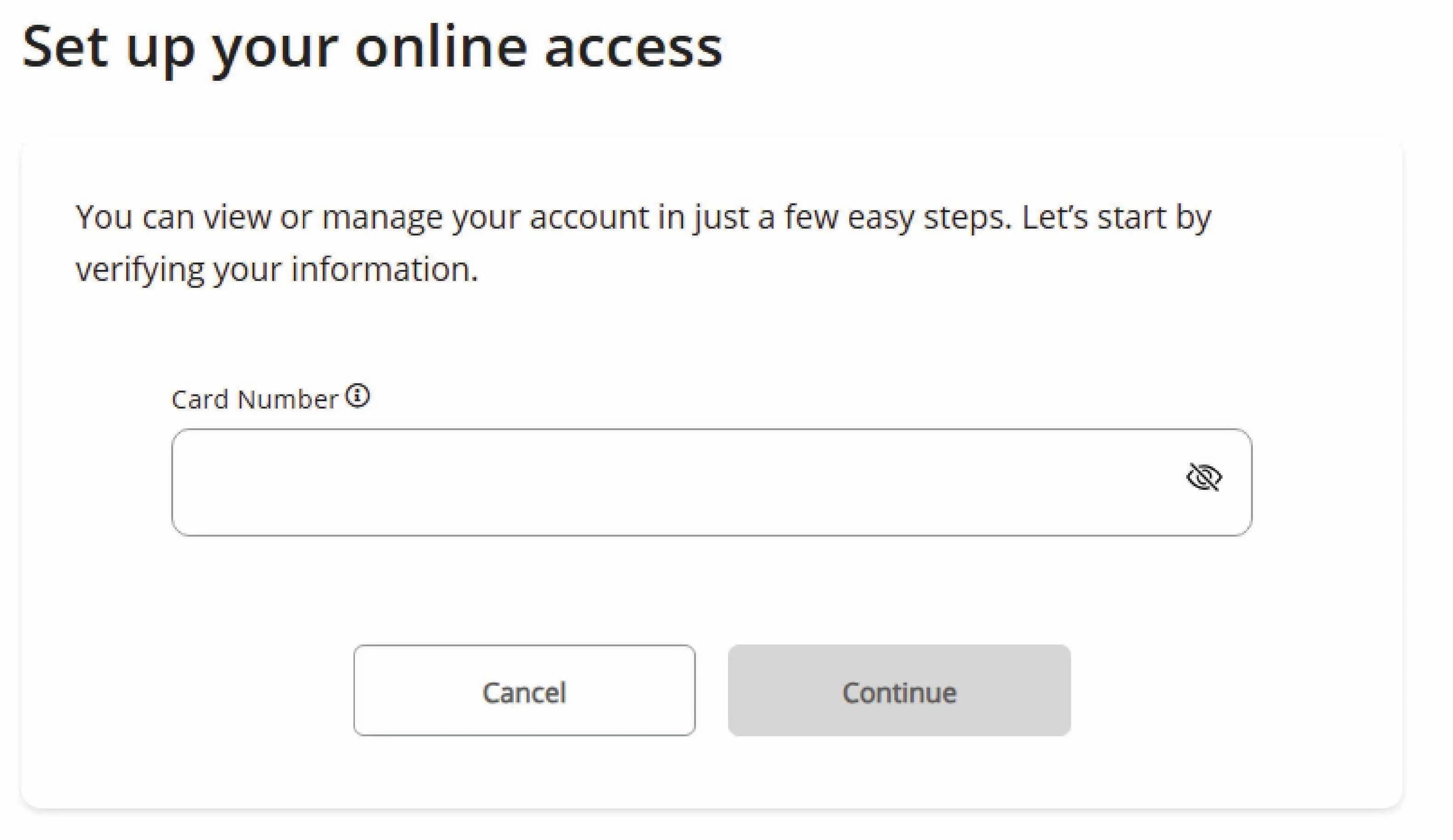
9. Follow the prompts and you are set.